Cracked iPad or Tablet Screen? Repair Guide for Meridian, MS
Local tablet repair guidance
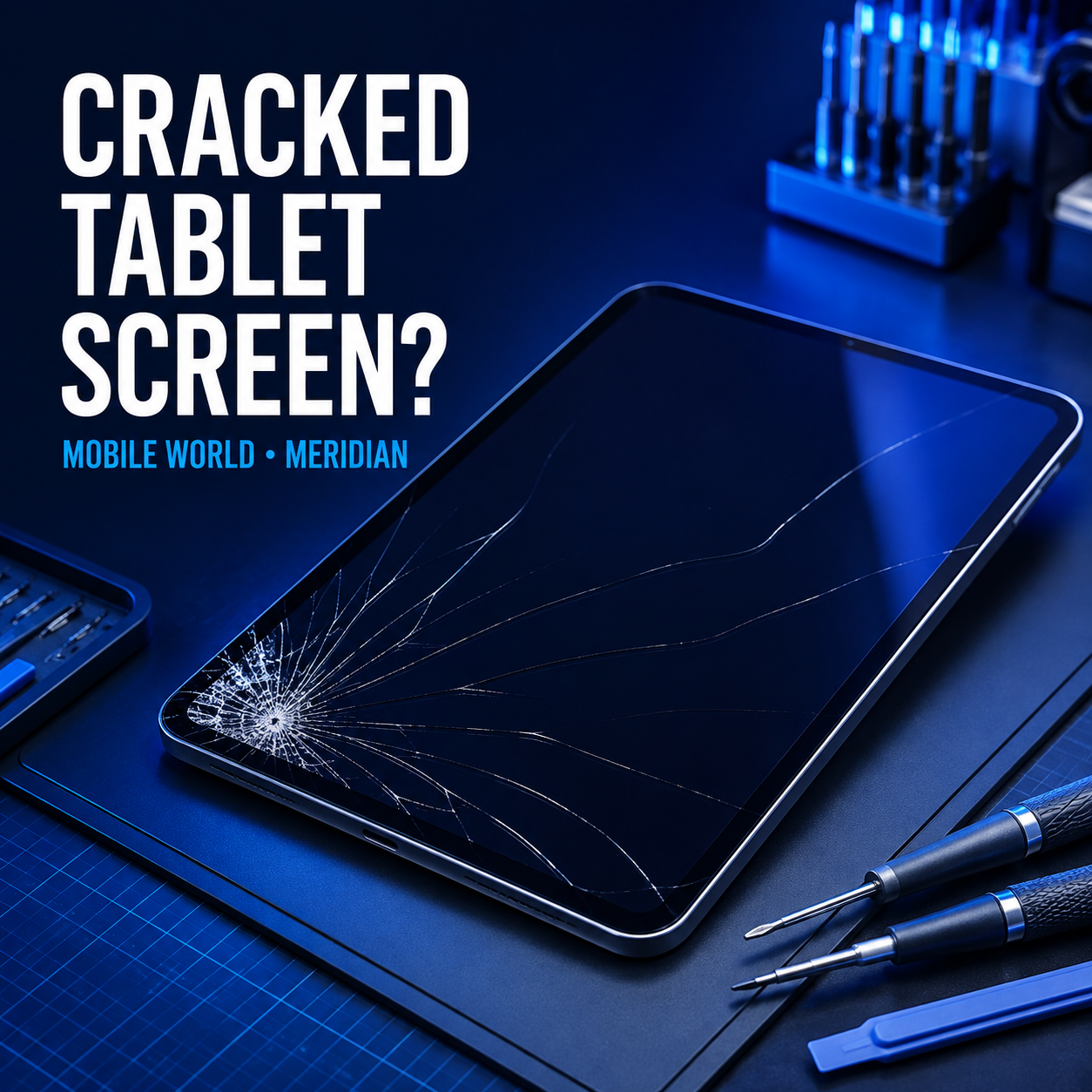
Cracked iPad or tablet screen?
Need help with a cracked iPad screen in Meridian, MS? Mobile World provides clear tablet diagnostics and repair options at one local Meridian store.
Mobile World has one physical repair location: 2203 Highway 39 North, Suite 1, Meridian, MS 39301.
A cracked tablet screen can turn a useful school, work or family device into a daily frustration. Small cracks may spread, broken glass can become sharp, and impact damage can affect touch response, display quality, cameras, buttons or the tablet frame. The safest next step depends on the exact model and the condition beneath the glass.
Mobile World provides iPad and tablet screen repair diagnostics in Meridian, Mississippi for many Apple, Samsung, Amazon Fire, Microsoft Surface and other tablet models. We identify the model, inspect the damage and explain available options before approved work begins. Pricing, parts availability and timing depend on the device and its condition.
Visit Mobile World at 2203 Highway 39 North, Suite 1, Meridian, MS 39301, or call (601) 808-5323 with the tablet model and symptoms.
Can a Tablet Still Be Used With a Cracked Screen?
A tablet may continue working after the glass cracks, but that does not mean continued use is risk-free. Pressure from tapping, carrying the device in a bag or another minor drop can extend the damage. Loose glass may also expose the display to moisture, dust and additional stress.
Stop using the tablet and arrange an assessment if you notice any of these warning signs:
- Sharp, loose or missing pieces of glass
- Black spots, colored lines, flickering or a blank display
- Touch input that fails, moves on its own or responds in the wrong place
- A bent frame or screen lifting away from the housing
- Unusual heat, swelling, odor or separation near the battery area
- Damage around the charging port, cameras or buttons
- Liquid exposure after the screen cracked
If the device appears swollen, becomes unusually hot or has a chemical odor, turn it off if this can be done safely. Do not charge it, press the screen down, puncture the device or place it near heat or flammable materials.
Cracked Glass, Damaged Display or Touchscreen Failure?
Tablet screens are built differently across models. Some devices combine the outer glass, touch layer and display into one assembly, while others use separate components. That construction affects the repair options, part cost and required testing.
Outer glass damage
The image may remain clear and touch may still respond even though the front glass is cracked. An inspection is still important because visible damage does not reveal the condition of the touch layer, frame or internal mounting points.
Display damage
Dark areas, ink-like blotches, vertical lines, flashing or no picture can indicate damage beneath the glass. The tablet may make sounds or receive notifications while the display remains unusable.
Touchscreen problems
Touch failure may appear as dead zones, delayed response or “ghost touch,” where the tablet registers input without being touched. Stop entering passwords or opening sensitive apps if the screen is selecting items by itself.
What to Do Immediately After Cracking a Tablet Screen
- Inspect it without pressing the damage. Look for loose glass, display lines, frame bending or separation.
- Turn it off when damage is severe. This is especially important after liquid exposure, swelling or unusual heat.
- Do not peel away glass. Removing fragments can increase damage and create sharp edges.
- Avoid household glue or liquid repair products. They can enter the display, speakers, buttons and internal components.
- Back up important information. If the tablet is stable and safe to use, protect photos, school files and documents before service.
- Keep pressure off the screen. Do not stack items on the tablet or carry it loosely in a packed bag.
Apple’s current service-preparation guidance recommends making sure important iPhone or iPad information is synchronized or backed up before an appointment. Android owners can review Google’s official backup instructions for supported device data. See Apple’s service preparation guidance and Google’s Android backup instructions.
What Determines the Tablet Screen Repair Option?
A responsible quote requires the exact tablet model and a physical assessment. Important factors include:
- The manufacturer, model number, generation and screen size
- Whether only the glass is damaged or the display and touch system are affected
- The condition of the frame, corners and internal mounting points
- Whether the tablet is bent, swollen or liquid damaged
- Current availability of a compatible replacement part
- Whether cameras, buttons, charging and wireless functions still work
- Whether earlier repair attempts introduced additional damage
For that reason, Mobile World does not promise a universal price or completion time online. The team confirms the model and condition, then provides a clear quote and estimated turnaround before approved repair begins.
iPad Screen Repair in Meridian, MS
Different iPad generations can look similar while using different displays and internal layouts. The model number on the device or in Settings helps identify the correct version. Bring the iPad itself; the charger is useful when charging, battery or startup behavior is also part of the problem.
Before service, back up important information when possible. Do not provide an Apple Account password, email password, banking password or unrelated security information. A device passcode may sometimes be needed for authorized testing, but the technician should explain why access is necessary.
Explore Mobile World’s complete tablet and iPad repair service in Meridian.
Samsung, Amazon Fire and Other Tablet Screen Problems
Android and Windows tablets also vary widely by model, carrier version, display size and construction. A Samsung Galaxy Tab, Amazon Fire tablet, Microsoft Surface or another device may require a model-specific part. Generic descriptions such as “Samsung tablet” are usually not enough for accurate availability or pricing.
Bring the complete tablet and, when relevant, its normal charger or detachable keyboard. If the device is used for school or work, back up accessible files and confirm that you know the screen lock code before visiting.
For other cracked-device problems, review Mobile World’s phone screen repair service or full phone repair options in Meridian.
What to Bring for a Tablet Screen Assessment
- The tablet with its case removed only if the case comes off safely
- The normal charger if power, charging or battery behavior is involved
- A detachable keyboard or stylus only when it is connected to the problem
- The model number, if you can locate it without handling broken glass
- A short explanation of the drop, impact or symptoms
Do not bring unrelated accessories, and never share account, email or financial passwords. If the screen is selecting items by itself, power the device off to help prevent accidental changes or lockouts.
Tablet Repair Near Meridian, East Mississippi and West Alabama
Mobile World operates one physical repair store in Meridian and serves customers who travel from surrounding communities. Customers looking for tablet repair near Meridian or iPad screen repair in East Mississippi may visit from:
- Meridian, Marion and Collinsville
- Newton and Enterprise
- Quitman and Lauderdale
- Philadelphia, De Kalb and Scooba
- York and Livingston, Alabama
- Butler and Demopolis, Alabama
These communities are service areas, not separate Mobile World locations. Customers traveling from outside Meridian should call first with the exact model number so the store can discuss current diagnostic timing and relevant parts availability. See the complete Mississippi and Alabama service-area guide.
Cracked Tablet Screen Repair Questions
How much does iPad screen repair cost?
Cost depends on the exact iPad generation, screen construction, device condition and current part availability. Mobile World provides pricing after confirming the model and assessing the damage.
How long does tablet screen repair take?
Turnaround depends on the model, damage, workload and parts. Some repairs may qualify for same-day completion, but the store provides an estimate only after inspection and availability confirmation.
Can you repair a tablet that still turns on?
Yes, a working tablet can still need screen service. Whether repair is practical depends on the glass, display, touch response, frame and overall device condition.
Will screen repair erase my tablet?
Normal hardware service is not intended to erase data, but damaged electronics always carry risk. Back up important photos, files and account information whenever the device is stable enough to do so safely.
Should I repair or replace an older tablet?
Compare the device’s age, condition, storage, performance and repair cost with the price and features of a replacement. Mobile World explains the findings so you can make a practical decision without an unsupported promise.
Can I tape over the cracked screen?
A temporary protective film may help contain small fragments during careful transport, but it is not a repair. Do not press tape into loose glass, cover a hot or swollen device, or continue using a screen with severe damage.
Visit Mobile World for Tablet Repair in Meridian
If your iPad or tablet has cracked glass, display lines, black spots or unreliable touch response, bring it to Mobile World for a clear assessment.
Mobile World
2203 Highway 39 North, Suite 1
Meridian, MS 39301
Monday–Saturday: 9 AM–6 PM
Phone: (601) 808-5323
Walk-ins are welcome. Call before traveling from outside Meridian to discuss the model, symptoms and expected next step.
Bring Your Cracked Tablet to Mobile World
Get a model-specific assessment and clear repair options before approved work begins.